

1529500098
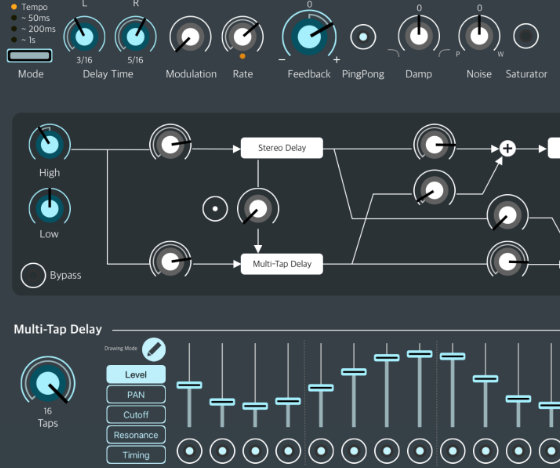
Yukawa is a multi-tap delay that generates tempo-synchronized rhythmic delay patterns. Each tap allows for adjustments in volume, pan, and filter, making it a tool for engineers who enjoy intricate sound creation.

With a single purchase, you can use it on Apple Silicon Mac, iPad, and iPhone without any limit on the number of installed devices.



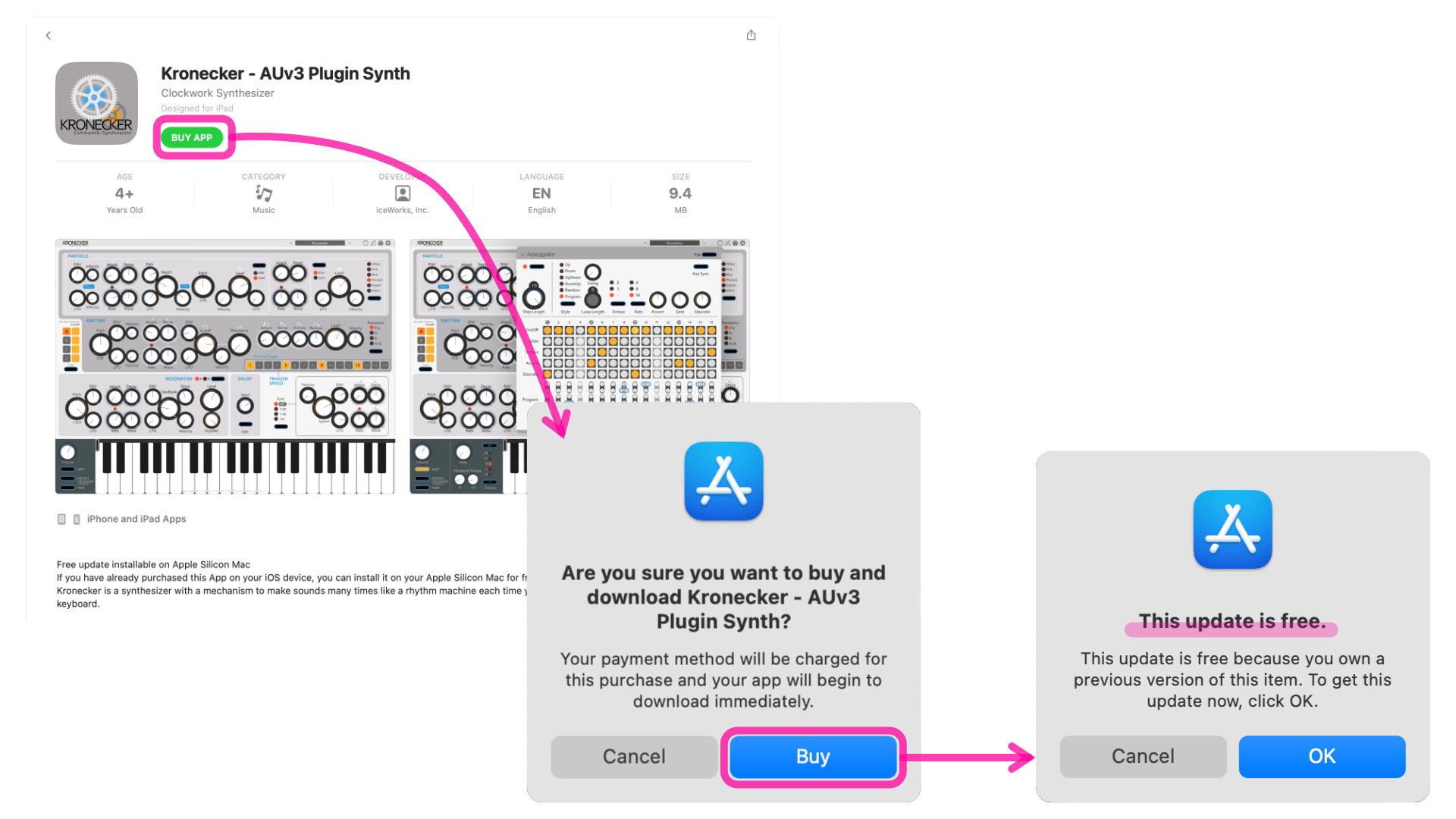
If you have already purchased this App on your iOS device, you can download it to your Apple Silicon Mac for free as long as you use the same Apple ID as your iOS device.
The App Store may not display your purchase if you install the app on a different device than originally used for purchase. (For example, when you purchase an app on an iPad and then install it on a Mac.)
However, provided you use the same Apple ID, you can reinstall the app at no additional cost—even on a different device.
If you continue with the purchase process, the App Store should eventually confirm that you have made the purchase and you should be able to download the app for free, even if it appears as if it has not been purchased.
If you have further questions or concerns, I encourage you to contact Apple Support. https://support.apple.com/apps


This delay has 16 taps with the same delay time as a sixteenth note. Also, the delay time of each tap can be adjusted with the "Timing" parameter. Not only can you set the volume and pan for each tap, but you can also set the cutoff frequency and resonance with an independent filter for each tap. You can set a damp parameter that gradually reduces the treble or bass as the feedback sound repeats.


A stereo delay packed with various functions in a simple UI. It works not only as a simple stereo delay, but also as a ping-pong delay that has the effect of moving sounds left and right. Not only can you specify the delay time in milliseconds, but you can also synchronize the tempo. Modulation allows you to create a chorus-like modulation effect sound. It has negative feedback and can also add distortion and noise.


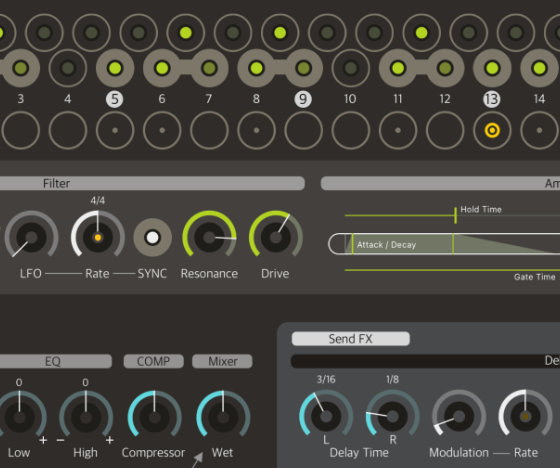
The DJ mixer style filter allows you to seamlessly control the Low Pass and High Pass filters with a single knob. The cutoff frequency is modulatable. You can also overdrive to create a distorted filter sound.


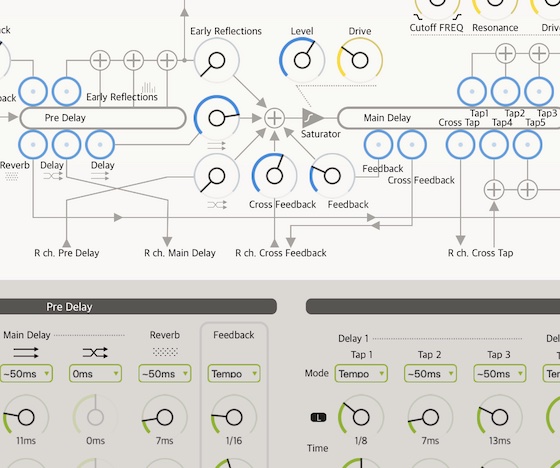
On the routing setting screen, you can set where and how much to send the signal.

The knobs on the screen can be assigned to MIDI controllers.

You can share your presets with other users. You can add presets created by other users to your preset library using the iOS Share Extension feature.
Compatible with Mac(Apple Silicon), iPad and iPhone.

This product can be installed and used on multiple devices, including Apple silicon Mac, iPad, and iPhone, with a single purchase, as long as the same Apple ID is used for each device via the App Store. There is no limit to the number of devices on which the product can be installed.


Yukawa can be installed on Macs with Apple silicon, but not on Macs with Intel CPUs. You can plug in host apps that support AUv3, such as Logic Pro, Garage Band, and Ableton Live.
Note: In Ableton Live, AUv3 plugin windows cannot be resized like in Apple’s Logic or GarageBand.

This product supports only AUv3 plug-in format. You can use this AUv3 Plug-In in a host application that supports AUv3. Other plug-in formats are not supported.
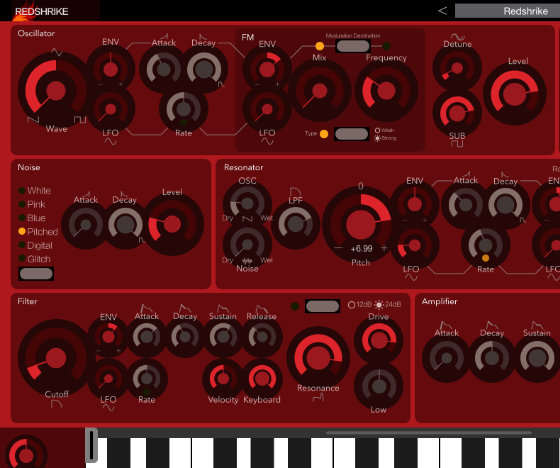
 Subtractive Resonator Synthesizer
Synthesizer
AUv3
Apple Silicon Mac
iPad
iPhone
1165470423